How to find games you and your friends all own on Steam
Lobbli team · Updated · 4 min read
Steam can show you the games you share with one friend. For a whole group, it can't. Here's how to do both, and how to spot the games you own but can't actually play together.
412 gamesJonasJonas
168 gamesLeaLea
57 games9in all three
Mira owns 412 games, Jonas 168 and Lea 57. Only 9 are in all three libraries.
1. Make everyone's games visible
Every method below reads Steam libraries, so they need to be visible. For Steam's own tools, “Friends only” is enough if you're friends on Steam. Websites and extensions need Game details set to Public.
Tip: Send anyone whose games don't show up our guide on how to make a Steam library public. It takes a minute.
2. With one friend: use Steam itself
Steam has three ways to see the games you both own:
- From your friends list: right-click a friend and choose Find Games to Play Together. Your library opens with only the multiplayer games you both own.
- In your library: open the filter next to the search box and pick the friend. Choose Save as Dynamic Collection to keep the list, and it updates when either of you buys something.
- On their profile: open Games and tick the box to show only the games you both own. This one includes single-player games.
Steam renames menus now and then, so the labels may differ slightly.
3. With a group: compare all libraries at once
Steam's tools compare you with one friend at a time. For three or more, you have two options:
- By hand. One person lists the multiplayer games they own, and everyone else crosses off the ones they don't have. Fine for three people with small libraries.
- With a comparison tool. Paste everyone's profile and get the overlap. Browser extensions like Steam: Game finder do this, and so does our own free tool (more below).
4. Rule out what you can't play together
Owning the same game doesn't mean you can play it as a group. Check:
- Player count. Most co-op games stop at four. A game for “up to 4” is no help on a five-person night.
- Multiplayer at all. The profile method also lists single-player games.
- Free-to-play games. They often only show in a library once someone has played them, so a shared free game can be missing from the overlap. Look at those separately.
Then look at the near misses. A game only one person is missing can be the best pick: it may be cheap, on sale, or come with a Friend's Pass.
| Game | MiraMira | JonasJonas | LeaLea | NoahNoah |
|---|---|---|---|---|
| Deep Rock GalacticEveryone has it | ||||
| Lethal CompanyLea needs it | ||||
| WarframeFree to play | ||||
| Helldivers 2Three need it |
For checking player counts and prices, see how to find a co-op game to play with friends.
Doing it with Lobbli
Full disclosure: we make Lobbli, and comparing libraries is built into it in two places. Both are free.
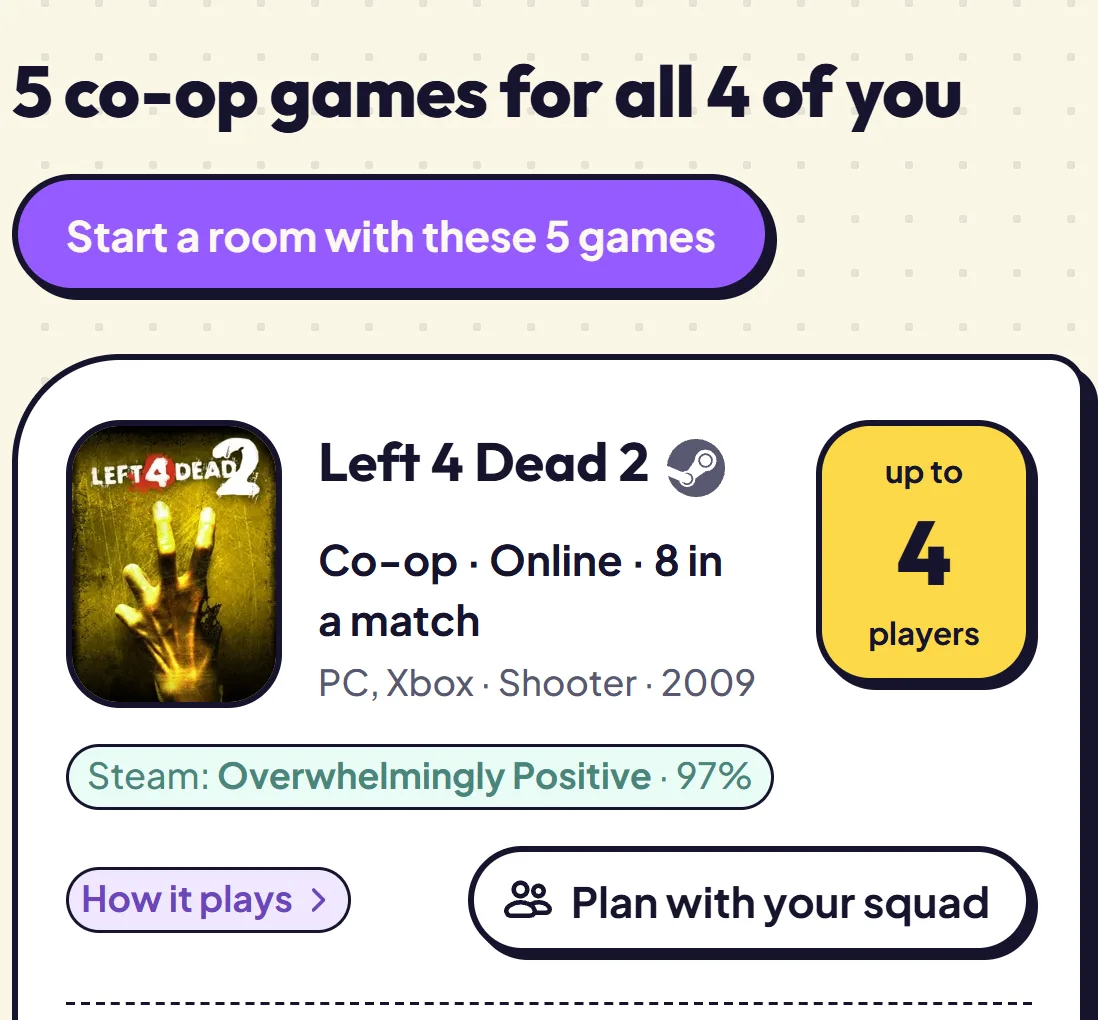
- What can we all play? needs no account. Paste 2 to 8 Steam profiles, or load your friends list and pick who's playing. It lists the co-op games you all own that fit your group size, the ones nobody has to buy first. Free games count even if not everyone has them yet, and “Almost everyone owns it” adds the ones one or two of you still need.
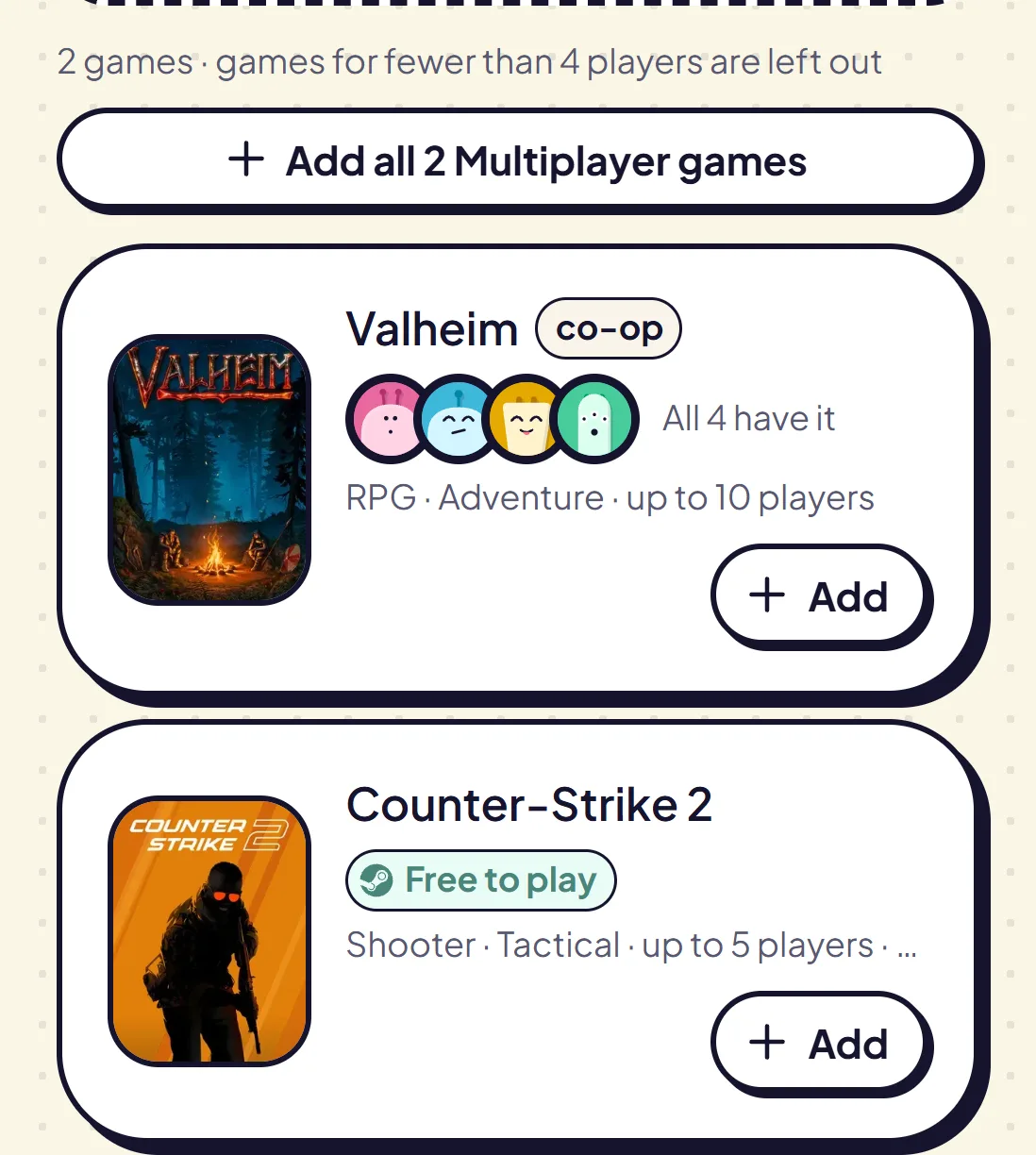
- In a Lobbli room, everyone links their Steam library once. Our matches then shows the games you own together. Untick whoever can't make it tonight, and add the matches to the group's vote in one go. Every game in the room also shows how many of you own it.
Both read Steam only, so games on other stores or Game Pass won't show up.
Common questions
How do I see what games a friend owns on Steam?
Open their profile and choose Games. You'll see the list if their Game details are Public, or Friends only and you're friends on Steam.
Can I compare libraries with someone who isn't my Steam friend?
Not in Steam itself. A comparison site or extension can, as long as their Game details are Public.
Why are some of my friend's games missing?
Games they've marked as private never show up. Free-to-play games they haven't played often don't either. If none of their games show, their Game details aren't public.
How many friends can I compare at once?
Steam's own tools do one friend at a time. What can we all play? compares up to 8 people.
Can I compare Steam with Epic, Xbox or PlayStation libraries?
Not with Steam's tools or Steam comparison sites: each store keeps its own library. Ask the group to check those by hand.